Dimlits is a multiplayer “friendslop” dungeon crawler game where your group is tasked with navigating through a dungeon with only one torch, which is your source of light and life. Figuring out where to go, defeating enemies, and overcoming obstacles are all things your group will need to work together on, as the game is designed around promoting social interaction as much as possible. This game was made across three semesters as part of the Game Design and Development program at Michigan State University, and I was brought onto the team for the latter two of those semesters.
Affinity Diagramming
One of our goals for this project was to avoid the common problem of student projects being incredibly rushed and buggy, and instead simply deliver a smooth and polished gameplay experience, even if that meant development of new features would be slow. A simple version of the game with multiplayer, a torch, a couple of items, the ‘snatcher’ enemy, and some dungeon traps had been completed in a month-long project before I joined the team. We had plenty of ideas for what to do during the main year of development: new enemies, several different items, level gameplay and visual diversity. But every step of the way, we wanted to ensure the game was stable and new features were polished before moving onto the next thing.
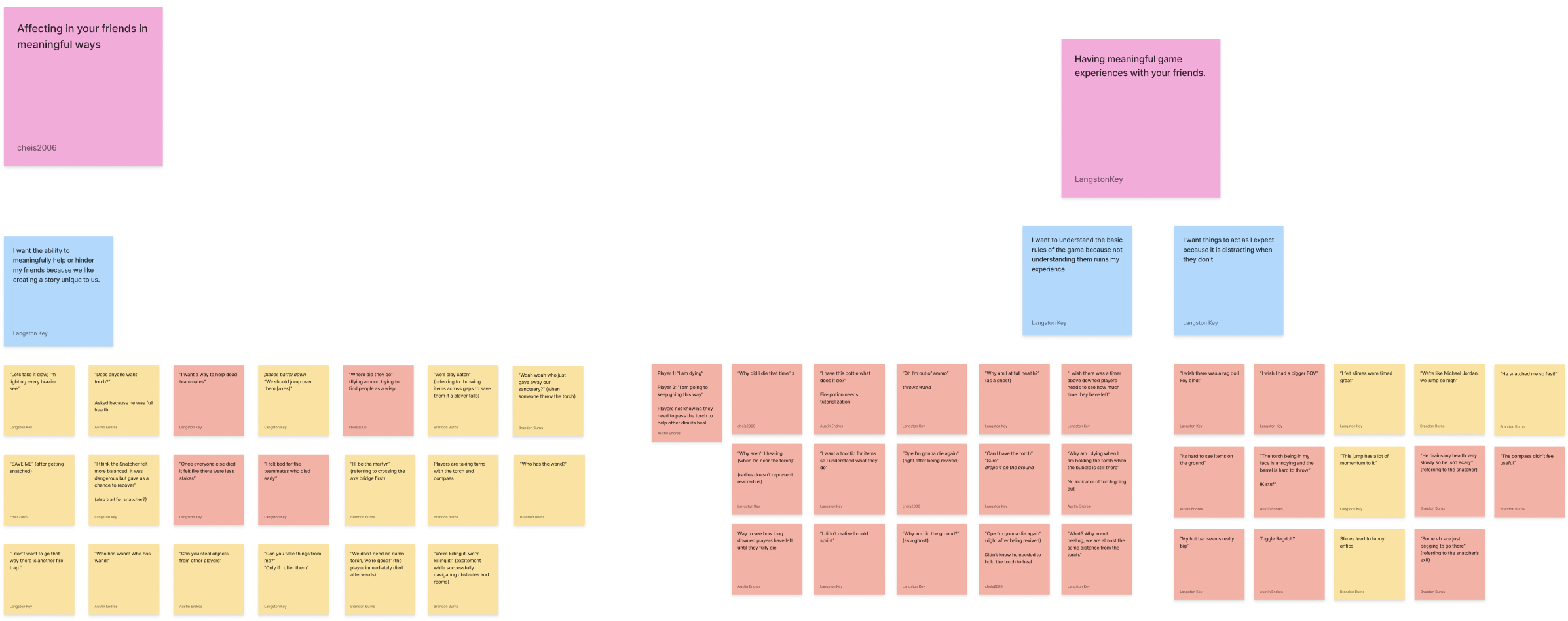
To that end, we set up multiple playtests every week: at least one dev playtest to ensure a build worked properly, a playtest with other students in the game development program, and an online playtest open to anyone we could reach out to. We did an affinity diagramming process every week for these playtests. Everything we noted would get turned into sticky notes, typically in the form of player quotes like “I didn’t understand how the Compass worked,” for example. These sticky notes alone could turn into tasks on our task board, but grouping them together however we saw fit (grouping by item or by gameplay habit, to give some examples) would reveal patterns and give us actual direction on how to move forward with the game.
What needs tutorialization? Do we need to focus on item variety? What’s the balancing like between enemies and player/item abilities? Questions like these that weren’t simple to answer could potentially be figured out via affinity diagramming with our ability to see the common patterns in playtest data. These would be what determined our overall direction for each sprint beyond the few actual new features we had in mind. This grouping of playtest notes also had the effect of making development more efficient; by seeing the links between problems in the game, we could more easily work out solutions that could fix multiple problems at once.
Automated Testing
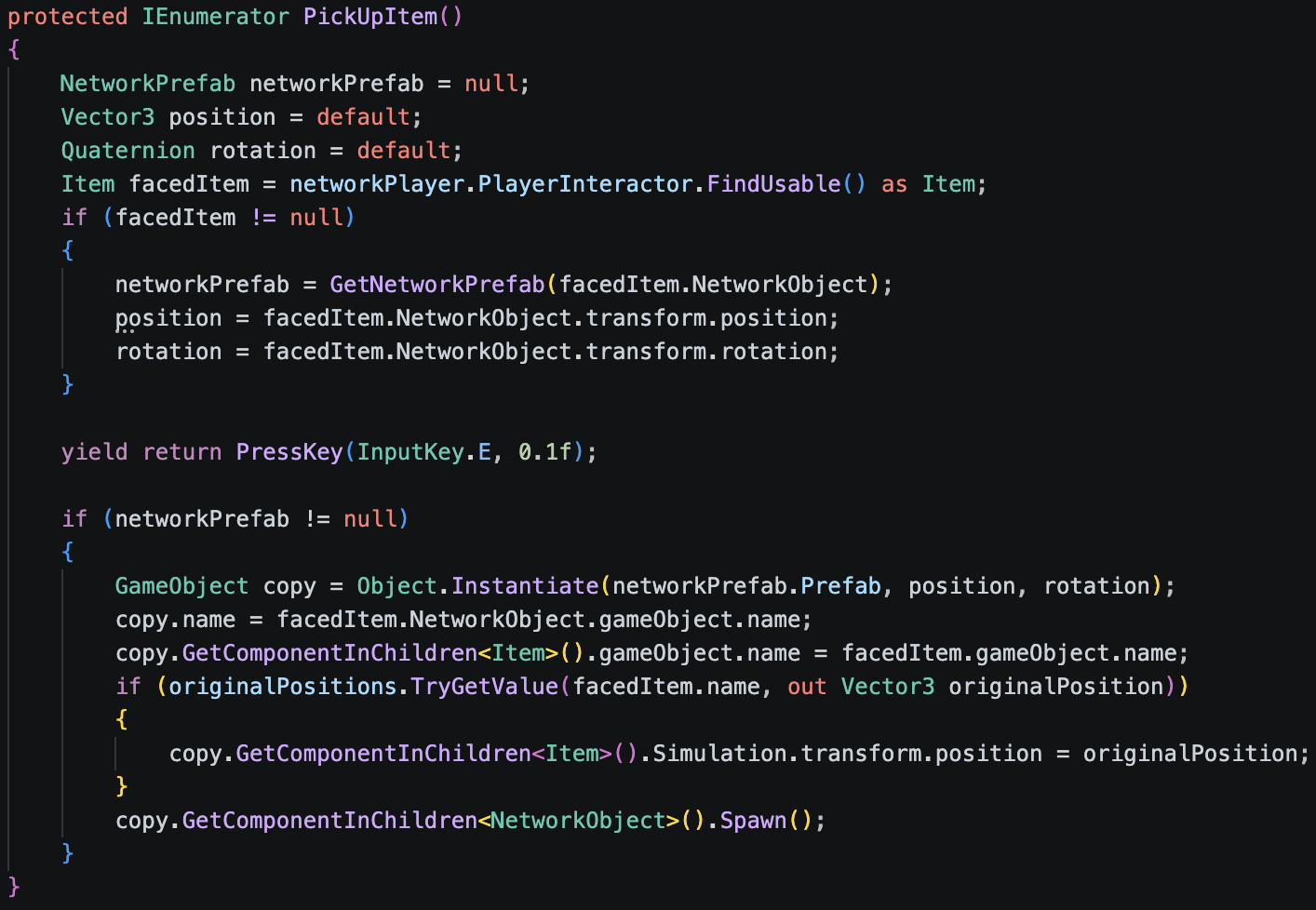
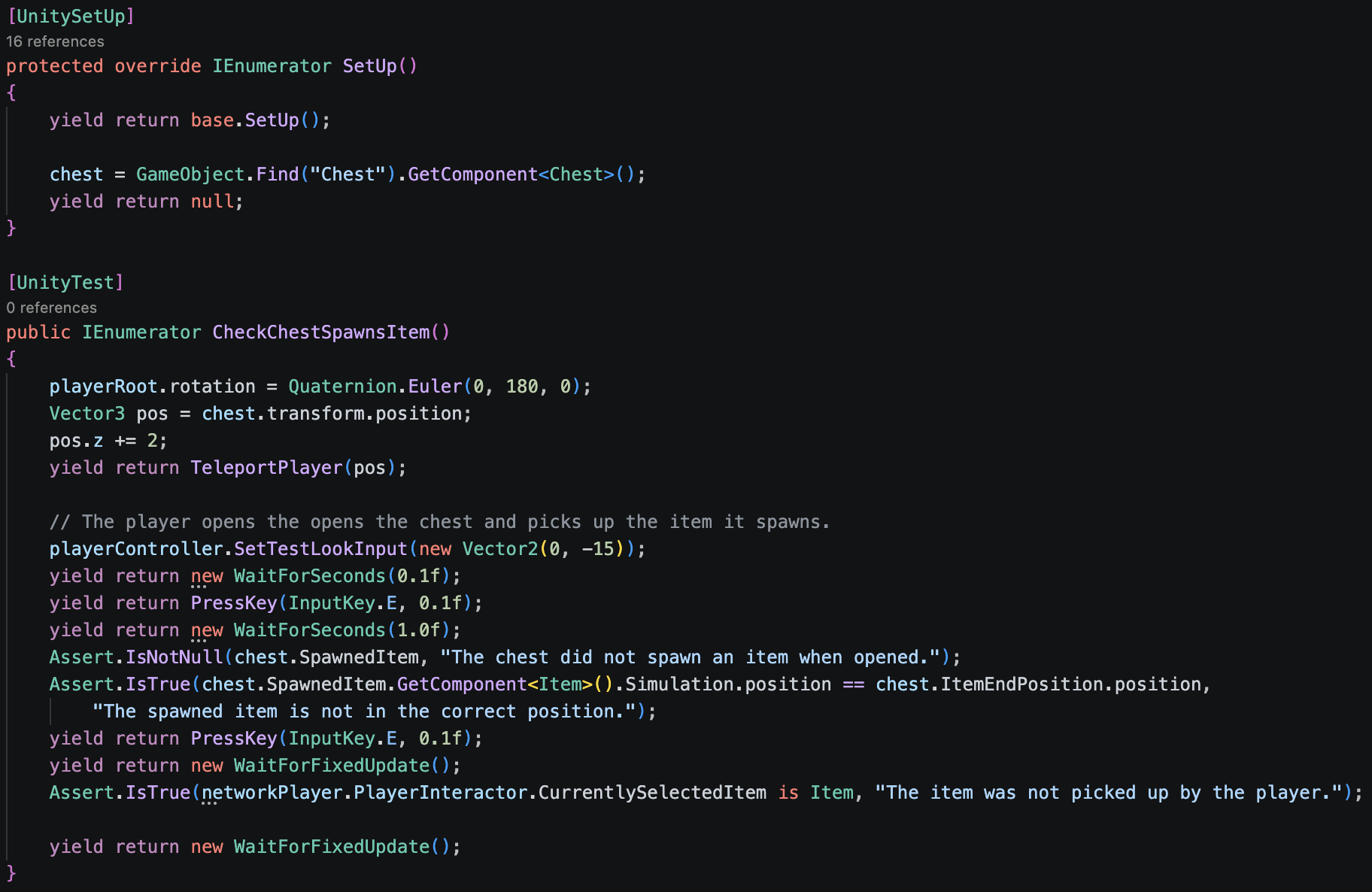
As part of our objective to prioritize stability in our gameplay and in our development, automation was a major focus. With that, my first major task was to automate our unit testing. For every single item, enemy, and level element, we wanted the ability to efficiently test each of their individual components and mechanics. We could do that with the click of a button using Unity’s automated test runner.
Each test involves interfacing with our player controller to simulate inputs, performing the mechanic, and then ensuring the state of our test scene is reset so subsequent tests can run properly. Scene reloads cannot be used because, aside from taking longer to load, they would require the network session to be refreshed, which could take long amounts of time and lead to bugs. Instead, data for items that are used is stored in dictionaries to be read whenever something needs to be reset or respawned. Then, throughout these tests, checks are done to not only verify that the mechanic being tested worked properly, but also to verify that the test itself is running properly. This allows us to confirm whether a failed test truly means that a gameplay element is broken.